 RigLoot
The Ultimate Streaming Setup for 2026
Microphone, camera, lighting, capture and the software glue — the complete creator stack, priced at two tiers.
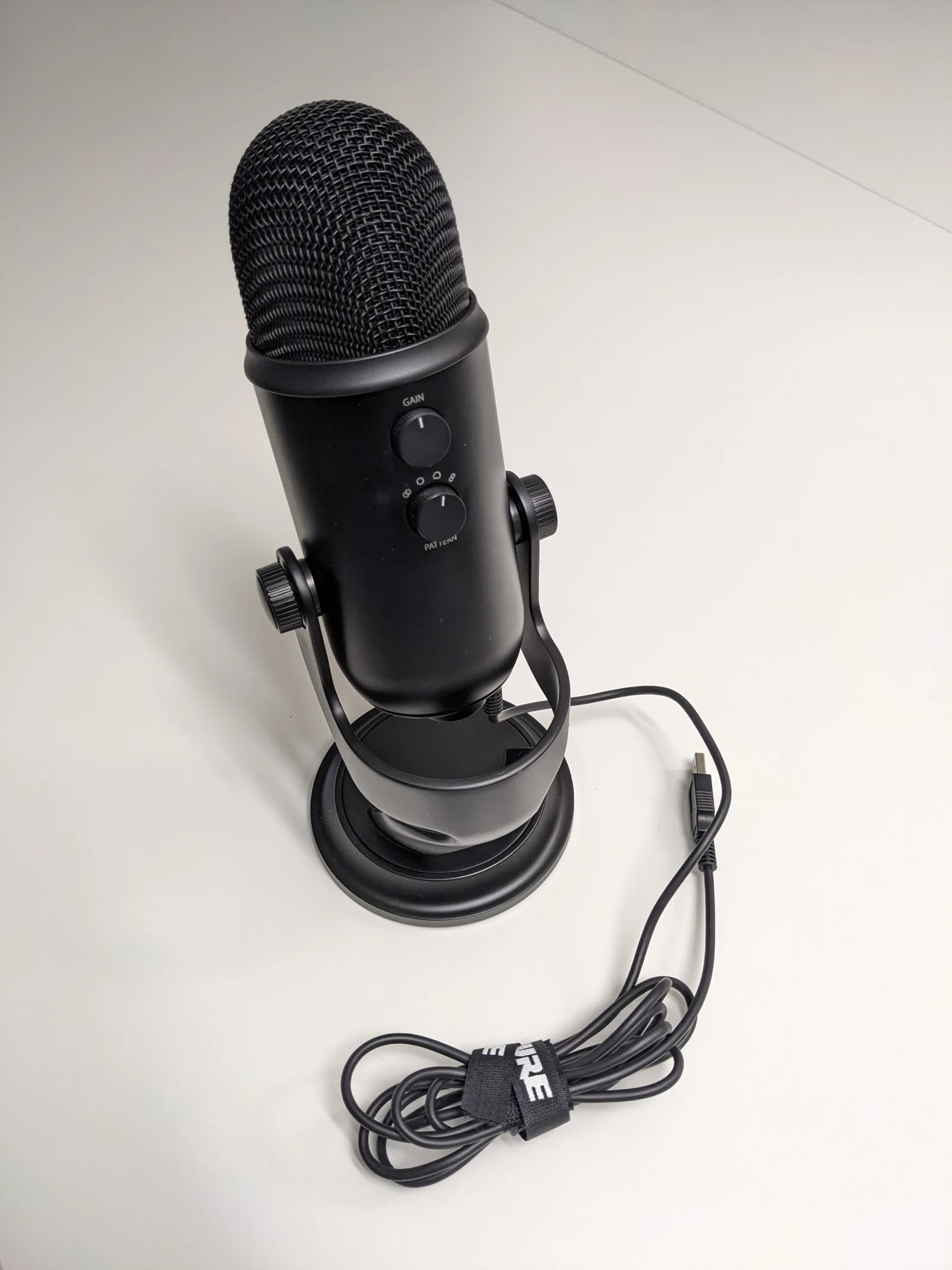
Image: · Guillaume Pasquier · CC0
A great stream is not about a fast PC — it is about audio and lighting doing the heavy lifting while everything else stays out of the way. Viewers will forgive a soft-looking game feed long before they forgive muddy audio or a face lost in shadow. This guide prices out a complete creator setup — microphone, camera, lighting, capture and software — at two tiers: a Starter stack that makes you look and sound professional for a few hundred dollars, and a Pro stack for the creator treating this as a career.
Who this is for
The Starter tier is for the new streamer on a single PC who wants an immediate, obvious jump in quality. The Pro tier is for the established creator or dual-PC streamer who wants broadcast-grade audio, a real camera and the flexibility to scale.
The Starter stack (~$500)
- Microphone — USB condenser or dynamic (~$130): A HyperX QuadCast S or Elgato Wave:3 plugs straight in over USB and sounds vastly better than any headset mic. A dynamic USB mic like the Shure MV6 is the better choice in a noisy or echoey room because it rejects background sound.
- Camera — dedicated webcam (~$150): An Elgato Facecam MK.2 or Logitech Brio 500 delivers a clean, sharp 1080p60 image with far better low-light handling than a laptop camera.
- Lighting — a key light (~$100): An Elgato Key Light Air, or a budget softbox, is the single biggest visual upgrade you can make. Light your face properly and even a modest webcam looks great.
- Capture — none needed on a single PC: If you stream from the same PC you game on, your GPU encodes the stream and no capture card is required. Add one only when you move to a console or dual-PC setup.
- Software — OBS Studio (free): The industry-standard broadcaster. Streamlabs is a friendlier alternative built on the same core.
The Pro stack (~$1,800)
- Microphone — Shure SM7dB or MV7+ with a boom arm (~$450): A broadcast dynamic mic on a proper boom arm is what gives podcasts and top streams their rich, controlled sound. The SM7dB's built-in preamp means you can run it over an interface without a separate booster.
- Audio interface / mixer — Elgato Wave XLR or RØDECaster (~$160): Clean XLR preamp, hardware mute and per-source control. A mixer like the RØDECaster adds instant sound effects and multi-source routing.
- Camera — mirrorless body + capture (~$700): A Sony ZV-E10 II or a6400 with a bright prime lens, fed into OBS via an Elgato Cam Link 4K, produces that shallow-depth, professional look webcams cannot match.
- Lighting — key plus fill (~$300): Two Elgato Key Lights, or a key and a fill, give you dimensional, flattering lighting you control from software.
- Capture card — Elgato 4K X (~$230): Essential for a dual-PC or console setup, capturing up to 4K60 (and 1440p120) with near-zero latency so your gameplay PC is never taxed by encoding.
- Control — Elgato Stream Deck (~$150): Physical keys for scene switches, mutes and effects. Once you stream with one you will not go back.
- Software — OBS Studio plus plugins: Free, endlessly extensible, and the backbone of nearly every professional stream.
Expected results
The Starter stack gets you crisp 1080p60 video, clear intelligible audio and properly lit framing — the three things viewers actually judge. The Pro stack delivers broadcast-grade sound, a cinematic camera look with real background blur, and the dual-PC flexibility to stream demanding games at full quality without dropping frames on your gaming machine.
Setup tips and pitfalls
Fix audio before anything else — a $500 mic in a bare, echoey room sounds worse than a $100 mic in a soft-furnished one, so add rugs, curtains and acoustic panels. Position your key light slightly above and to one side of your face, never dead-on. If you stream from a single PC, prefer your GPU's hardware encoder (NVENC on NVIDIA) so the CPU stays free for the game. Gain-stage your mic so peaks sit around -12 to -6 dB, not clipping. And on a dual-PC setup, remember the capture card lives in the streaming PC, not the gaming PC — a common and confusing wiring mistake for first-timers.