 RigLoot
The $2,000 High-Refresh Gaming Build
Flagship-adjacent frames for 1440p at 240 Hz or a genuinely comfortable move into 4K.
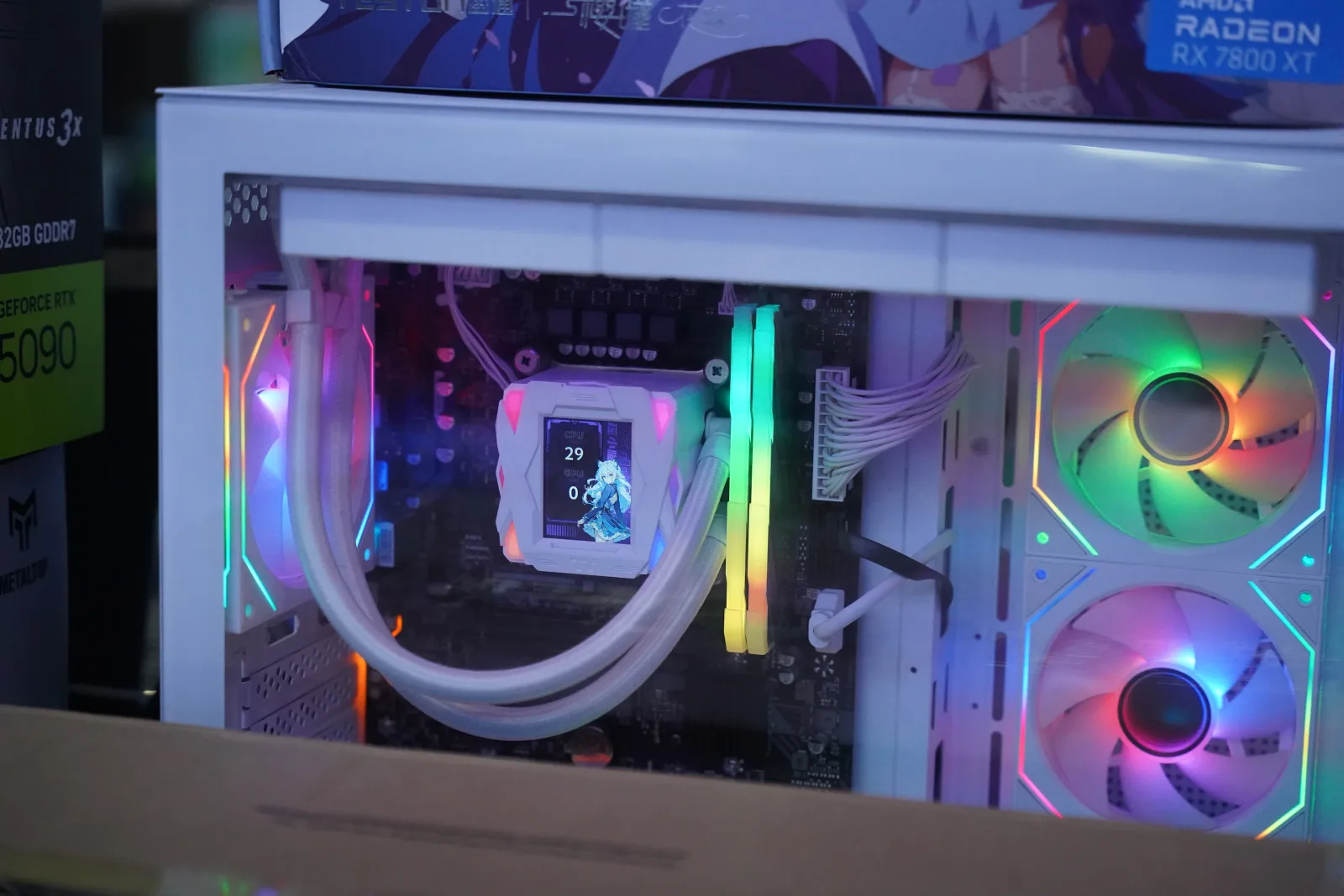
Image: · Benlisquare · CC BY-SA 4.0
Two thousand dollars buys a machine that chases frames without chasing your electricity bill through the roof. This build targets the two audiences who care most about raw output: the competitive player who wants 1440p pinned at 240 Hz, and the enthusiast making a comfortable entry into 4K. It puts the best gaming CPU money can buy alongside a graphics card built for high-refresh, then wraps them in quiet, composed cooling so the whole system stays calm under sustained load.
Who this build is for
This is for the player who owns — or is about to own — a 1440p 240 Hz or 4K 144 Hz monitor and refuses to leave frames on the table. It is overkill for casual play, and that is the point. If you chase your monitor's refresh ceiling and want ray tracing on without a slideshow, this is the build.
The parts list
- CPU — AMD Ryzen 7 9800X3D (~$460): The undisputed gaming CPU of the generation. Its second-gen 3D V-Cache delivers the highest frame rates and the best 1% lows available, which is exactly what matters at 240 Hz where the CPU, not the GPU, is often the bottleneck.
- GPU — NVIDIA GeForce RTX 5070 Ti 16GB (~$750): The sweet spot for high-refresh 1440p and entry 4K. It has the raster grunt for 240 FPS in competitive titles, strong ray-tracing hardware, and DLSS with frame generation to hold 4K smoothly. Its 16GB buffer is sized for years of ultra textures. An RX 9070 XT is a strong value alternative that frees up budget for storage.
- RAM — 32GB (2×16GB) DDR5-6000 CL30 (~$85): Low-latency memory tuned to the X3D. 32GB is ideal for gaming; step to 64GB only if you do serious content work.
- Storage — 2TB PCIe 4.0 NVMe SSD (~$130): Big, fast and enough for a real library of 100GB+ installs plus capture footage. Gen 4 is the value pick; Gen 5 adds cost for little gaming benefit.
- Motherboard — B650E / X670E (~$200): A higher-tier board here buys you strong VRMs for sustained boost, PCIe 5.0 on both the GPU slot and an M.2, and generous rear I/O for a peripheral-heavy setup.
- PSU — 850W 80+ Gold (~$110): Comfortable headroom for the 5070 Ti's transient spikes and any future upgrade, with an ATX 3.x 12V-2×6 connector so no adapters are needed.
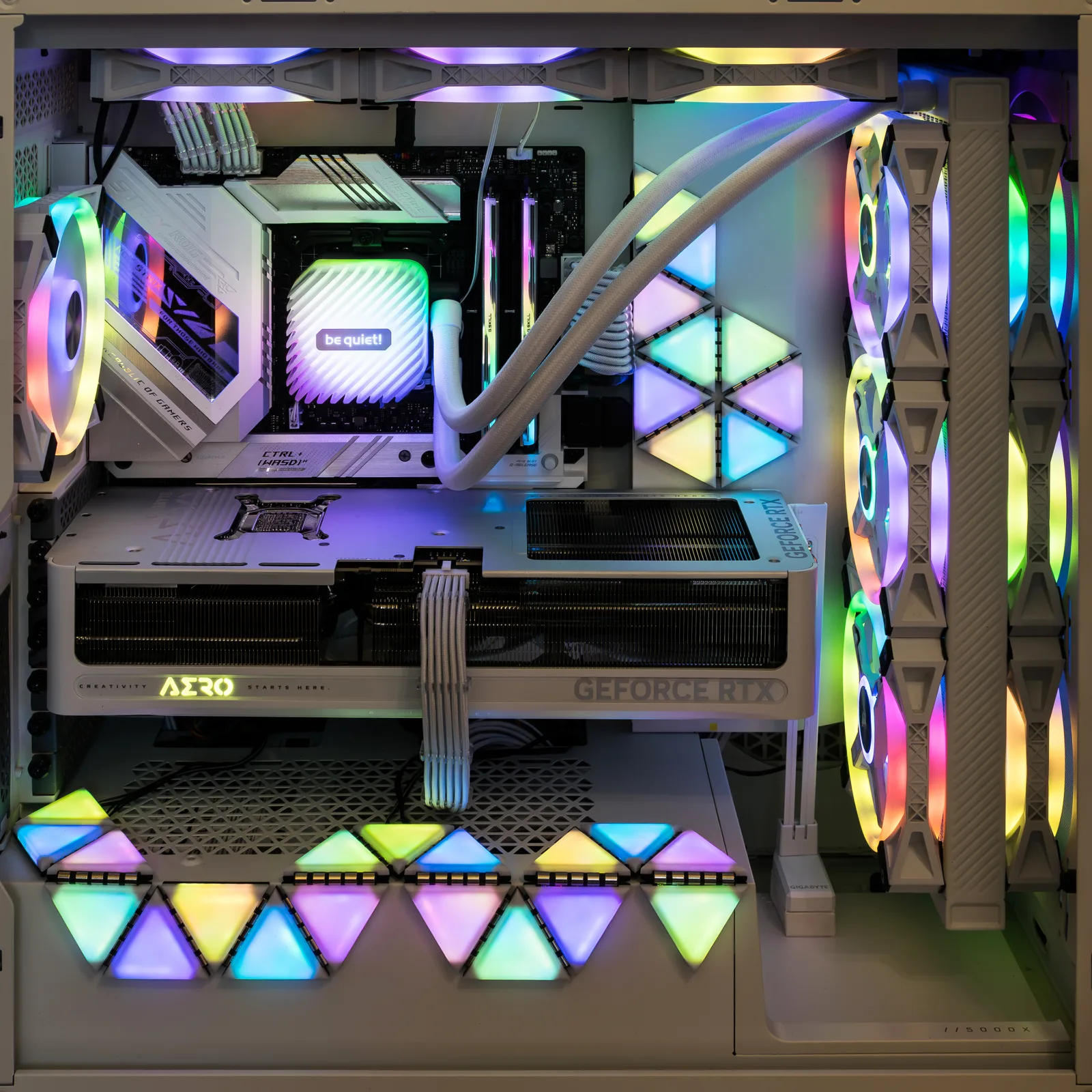
- Case — premium airflow mid-tower (~$110): A well-ventilated chassis with room for a 360mm radiator and proper cable routing. Airflow is what keeps a 240 Hz build quiet.
- Cooling — 360mm AIO liquid cooler (~$120): Overkill for the efficient 9800X3D on paper, but it keeps noise near-inaudible under load and looks the part. A premium dual-tower air cooler is a perfectly valid, cheaper substitute.
The total sits right at $2,000. If you swap in the RX 9070 XT, you can bank the difference toward a 4K monitor or a Gen 5 SSD.
Expected performance
At 1440p this build pins competitive titles — Valorant, CS2, Apex, Overwatch 2 — well above 240 FPS, letting a 240 Hz panel do its job with 1% lows that stay high thanks to the X3D cache. AAA games run at ultra north of 120 FPS, and ray tracing plus DLSS keeps even the heaviest titles like Cyberpunk 2077 with path tracing playable at high frame rates. At 4K, expect 60–100+ FPS at high-to-ultra with DLSS quality across the modern library — a genuinely enjoyable 4K experience rather than a compromise. This is a build that will comfortably see through your next monitor upgrade.
Build tips and pitfalls
Mount the AIO radiator as front intake or top exhaust and keep the pump below the top of the radiator to avoid air pooling in the pump. Enable EXPO for rated memory speed. The RTX 5070 Ti draws real transient power — use the native 12V-2×6 cable from an ATX 3.x supply and seat it fully until it clicks; a partially seated connector is the number-one cause of thermal trouble on modern NVIDIA cards. Plan your fan curve in the BIOS or software so the system stays quiet at idle. And give yourself room — a 360mm radiator plus a long GPU means checking case clearance before you buy.