 RigLoot
The $800 1440p Gaming Build, Tested
A genuinely capable 1440p rig that leans every dollar into the GPU without cutting the corners that matter.
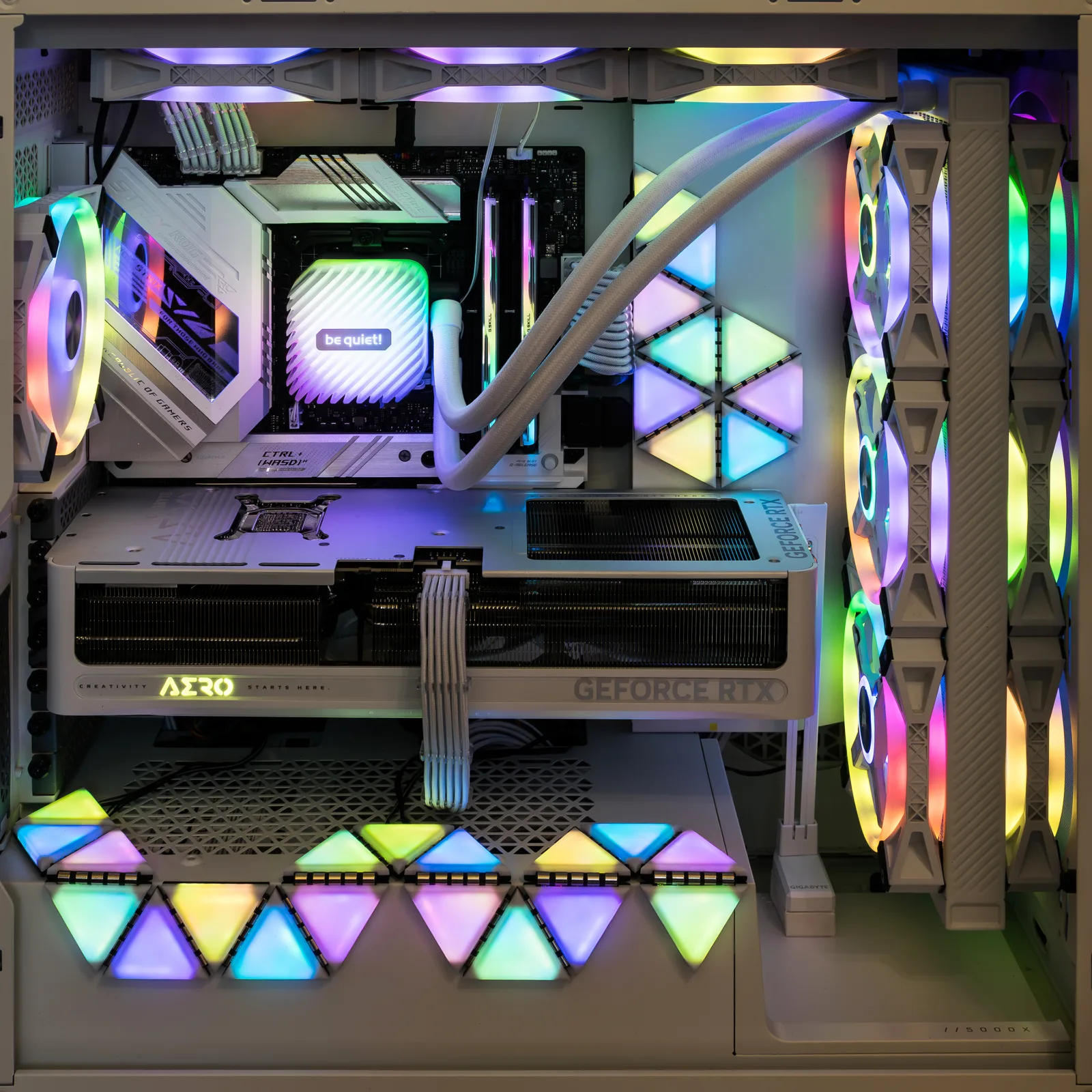
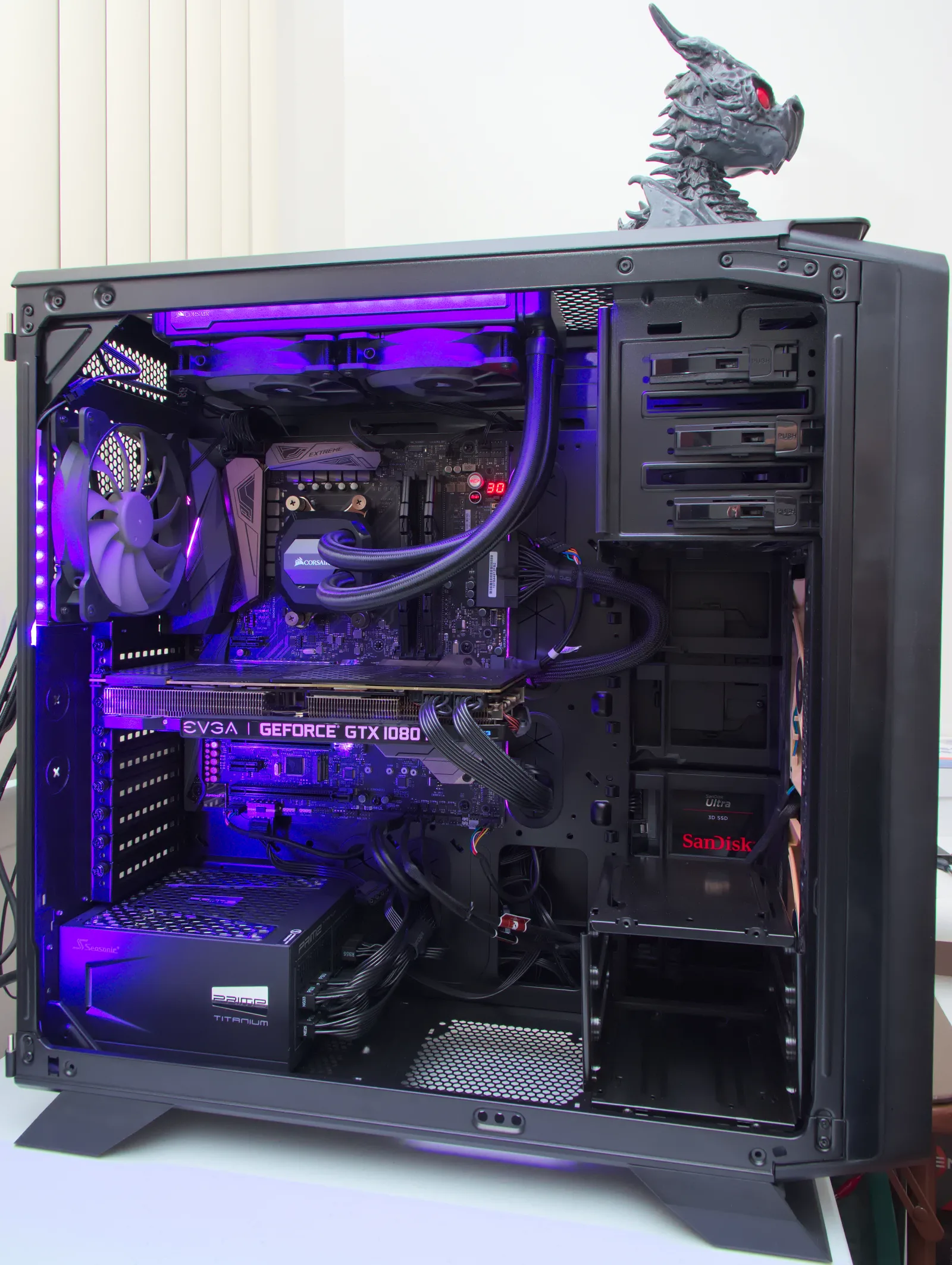
Image: · Jacek Halicki · CC BY-SA 4.0
Eight hundred dollars is the price point where 1440p stops being a stretch and starts being the sensible default. This build is for the player stepping up from a 1080p 60 Hz panel to a 1440p 144 Hz display who wants high settings and smooth frame times without overpaying for headroom they will never use. It is a lean, modern AM5 machine that puts the money where it changes the picture on screen: the graphics card.
Who this build is for
If you play a broad mix of competitive shooters, single-player blockbusters and the odd indie, and you want a platform you can upgrade for years rather than replace, this is your rig. It targets high-to-ultra settings at 1440p, not maxed-out ray tracing. Spend up a tier if 4K is the goal; this is the 1440p sweet spot.
The parts list
- CPU — AMD Ryzen 5 7600 (~$170): Six modern Zen 4 cores are still plenty for gaming, and this chip ships with a bundled Wraith Stealth cooler, saving you a purchase. It sits on AM5, which means a clear upgrade path to Ryzen 9000 and beyond on the same board.
- GPU — AMD Radeon RX 9060 XT 16GB (~$330): This is the star, and rightly so. The 16GB frame buffer is the reason to pick it over 8GB rivals — modern 1440p textures and ray-traced titles chew through VRAM, and 16GB keeps you out of the stutter that plagues cards with less. It delivers strong raster performance and FSR upscaling to hold high frame rates.
- RAM — 32GB (2×16GB) DDR5-6000 CL30 (~$80): 6000 MT/s at CL30 is the AM5 sweet spot for latency and Infinity Fabric sync. 32GB is now the sensible floor for gaming plus a browser full of tabs and Discord.
- Storage — 1TB PCIe 4.0 NVMe SSD (~$60): Fast enough for DirectStorage titles and roomy enough for a handful of large installs. Add a second drive later rather than paying for 2TB now.
- Motherboard — B650M (microATX) (~$110): A solid B650 board gives you PCIe 5.0 storage, decent VRMs for the 7600, and BIOS Flashback so future CPU upgrades are painless. No need for premium X670E here.
- PSU — 650W 80+ Gold (~$65): Comfortably feeds this hardware with headroom for a future GPU upgrade. Gold efficiency keeps it cool and quiet; do not cheap out on the power supply.
- Case — microATX airflow chassis (~$60): A mesh-front case with two or three included fans. Airflow beats aesthetics at this budget — a cool GPU is a quiet, long-lived GPU.
- Cooling — bundled Wraith Stealth: The 7600 runs cool enough on its stock cooler. A $35 dual-tower air cooler is a worthwhile optional upgrade for lower noise.
All in, this lands right around $800 on a normal sale week — GPU and RAM prices swing, so watch for a good day on the graphics card.
Expected performance
At 1440p you should expect high settings at well above 60 FPS across the board. Esports titles like Valorant, CS2 and Rocket League run at 200+ FPS to saturate a 144 Hz panel. Story-driven games — Cyberpunk 2077, Hogwarts Legacy, God of War Ragnarök — sit comfortably in the 60–90 FPS range at high settings, and FSR quality mode pushes that higher with minimal visual cost. Turn ray tracing to medium and lean on upscaling in the heaviest titles rather than expecting native ultra RT; that is a tier-up conversation.
Drop to 1080p and this machine becomes a high-refresh monster, so it doubles nicely if you keep an older secondary monitor.
Build tips and pitfalls
Enable EXPO in the BIOS on first boot — out of the box your RAM runs at a slow 4800 MT/s until you switch the profile on. First boot on AM5 can take 30–60 seconds while memory trains; do not panic and assume a dead board. Update the BIOS if the box sticker predates your CPU. Seat the 16GB of RAM in the correct two slots (usually A2/B2 — check the manual) for dual-channel. Finally, plug your monitor into the graphics card, not the motherboard's display output — a shockingly common first-build mistake that leaves people staring at integrated-graphics frame rates and wondering where their GPU went.