 RigLoot
Best SSDs for Gaming, Ranked
From the best all-round NVMe drive to the value and budget picks - the gaming SSDs worth your money in 2026, ranked and explained.
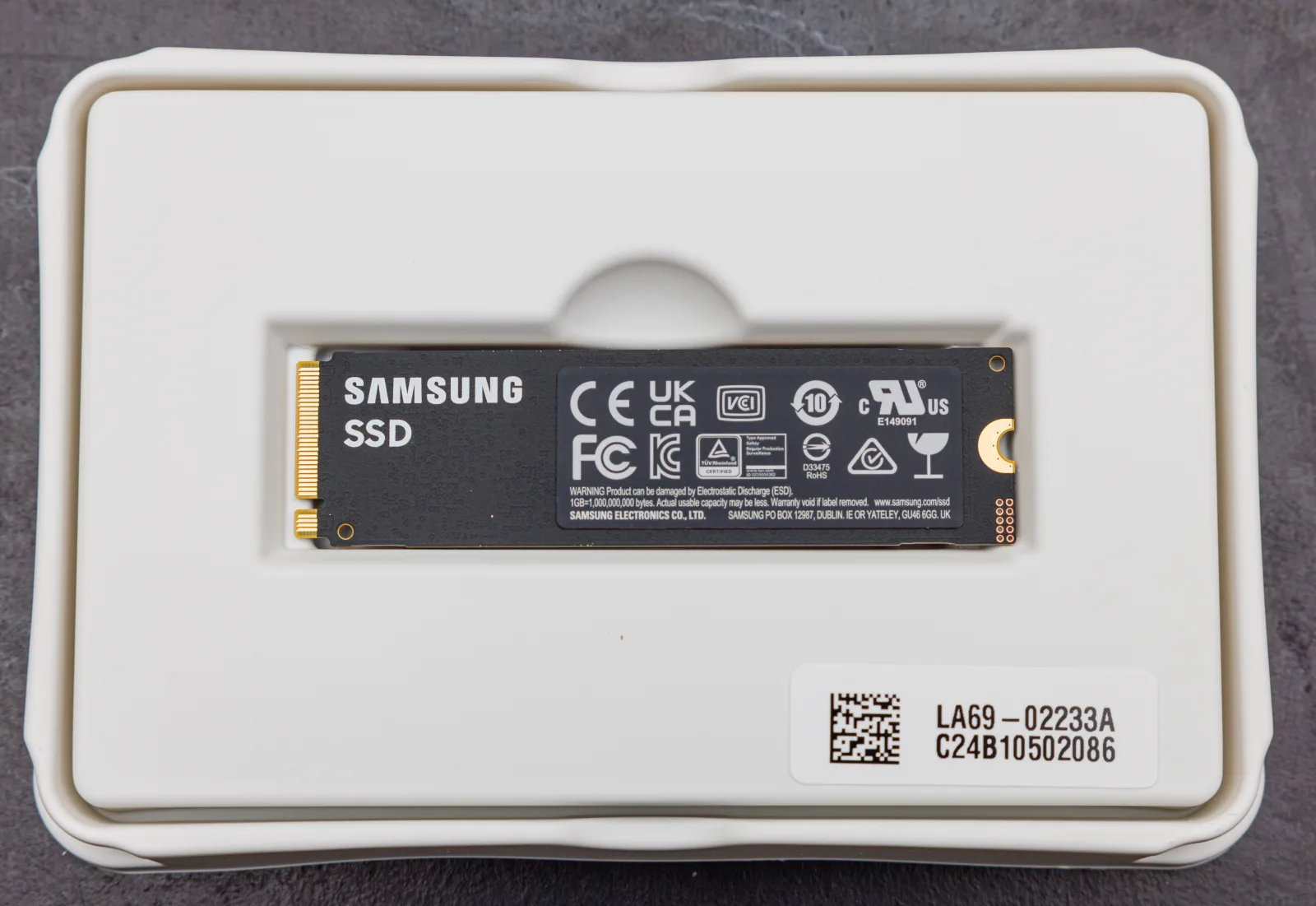
Image: · Dinkun Chen · CC BY-SA 4.0
Every modern gaming PC needs a fast NVMe SSD. Game installs have ballooned past 100GB, load times shrink dramatically on quick storage, and technologies like DirectStorage lean on SSD speed. But here is the honest truth for gamers: beyond a certain point, faster sequential numbers barely change your experience. This guide ranks the SSDs that actually make sense for gaming in 2026 - and explains why the fastest, most expensive drive is usually not the smart buy.
How to choose
- Gen4 is the gaming sweet spot. A good PCIe 4.0 NVMe drive loads games effectively as fast as a pricey Gen5 one in real play. Gen5 wins benchmarks, not load screens.
- Get DRAM if you can. DRAM-equipped drives hold performance under sustained load better than cheaper DRAM-less models - worth it for a primary drive.
- Capacity matters most. 1TB is the practical minimum; 2TB is the comfortable choice given modern install sizes. Buy the space before you buy the speed.
- Heatsinks and PS5: Fast Gen4/Gen5 drives run hot - a heatsink (or your motherboard's) prevents throttling. For PS5 expansion, pick a compatible drive with a heatsink.
Prices per terabyte move constantly, so check current cost-per-GB before buying - the value ranking can shift with sales.
The rankings
1. Top pick - WD Black SN7100 or Samsung 990 Pro (Gen4, 1-2TB). The best all-round gaming SSDs you can buy. Both deliver top-tier Gen4 speeds, excellent sustained performance, and rock-solid reliability. The WD SN7100 is remarkably efficient and runs cool; the Samsung 990 Pro is a proven performance benchmark with an optional heatsink model. Either is the drive to install your OS and main game library on. This is the buy-it-and-forget-it choice.
2. Best value - Crucial P310 or Samsung 990 EVO Plus (Gen4). These hit the pricing sweet spot: near-flagship real-world gaming performance for noticeably less money. You may give up a little sustained write speed versus the top tier, but in games you will not notice. For most builders filling a 2TB slot on a sensible budget, this is the smart tier to shop.
3. Best budget - Crucial P3 Plus or WD Blue SN5000. When you just need affordable, reliable capacity - a secondary game drive, or a first SSD on a tight build - these DRAM-less Gen4 drives deliver huge improvements over any hard drive and load games quickly. They are not for heavy sustained workloads, but for storing and playing games they are excellent value.
4. Overkill (only if you want it) - Crucial T705 or Samsung 9100 Pro (Gen5). These are the fastest consumer SSDs made, and they are magnificent - for content creation and huge file transfers. For pure gaming, they cost more, run hotter, and deliver load times you will struggle to distinguish from a good Gen4 drive. Buy one only if you also do heavy creative work, or simply want the best.
Tips and pitfalls
- Do not overpay for Gen5 for gaming alone. The real-world load-time difference over a good Gen4 drive is tiny. Spend the savings on more capacity instead.
- Avoid tiny 500GB drives. A couple of big games will fill them. 1TB minimum, 2TB recommended.
- Mind the heat. Fast drives throttle without cooling. Use your motherboard's M.2 heatsink or buy a drive with one - especially in a hot case or a PS5.
- Check DRAM-less vs. DRAM. For your main drive, DRAM helps under load. DRAM-less is fine for secondary storage.
- Confirm the slot generation. A Gen5 drive in a Gen4 slot just runs at Gen4 speed - no benefit, wasted money. Match the drive to your motherboard.
Bottom line: a quality Gen4 drive like the WD Black SN7100 or Samsung 990 Pro is the best gaming SSD for almost everyone, the value tier covers sensible builds, and Gen5 is a luxury only creators truly need. Buy the capacity you need on a solid Gen4 drive and your load screens will fly.